Alumni Magazine - Current Issue
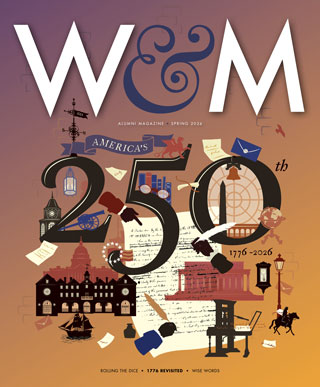
1776 Revisited Alumni historians reflect on the U.S. 250th anniversary Wise Words Bob Wise ’86 forged his path from W&M’s computer lab to Nvidia, the world’s leading AI computing company Rolling the Dice Catherine Fisher Carr ’91 made bold career movesOnline Exclusives
Jun
9
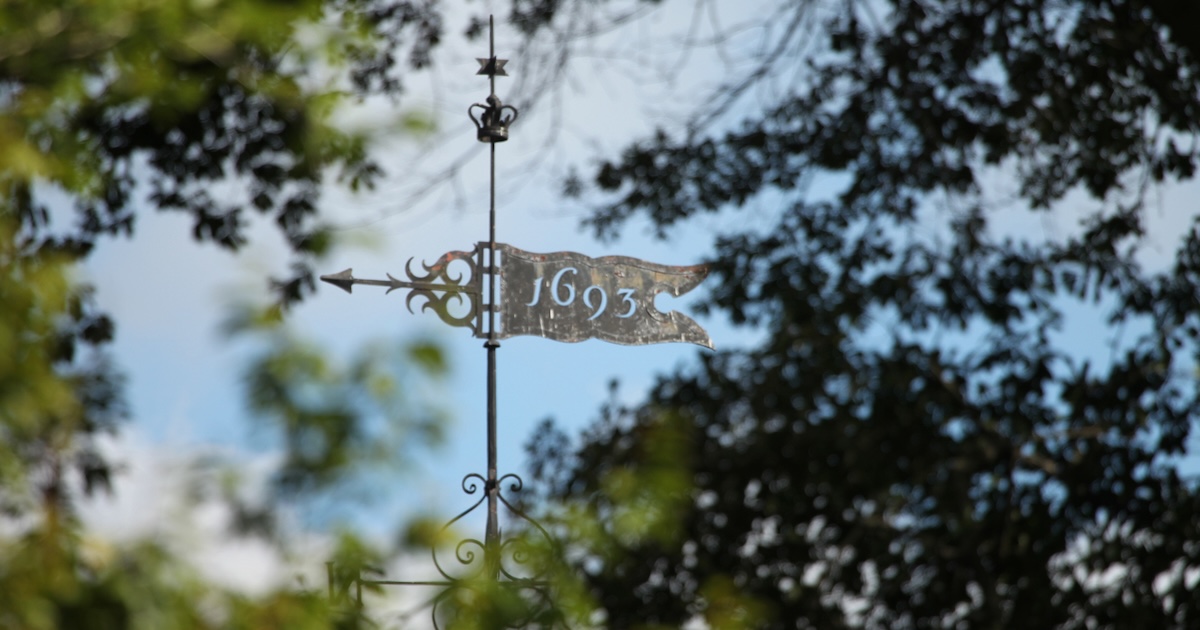
Four leaders appointed to William & Mary Board of Visitors
Four business and civic leaders have been appointed to William & Mary’s Board of Visitors, Virginia Gov. Abigail Spanberger announced on June 5.
Jun
8
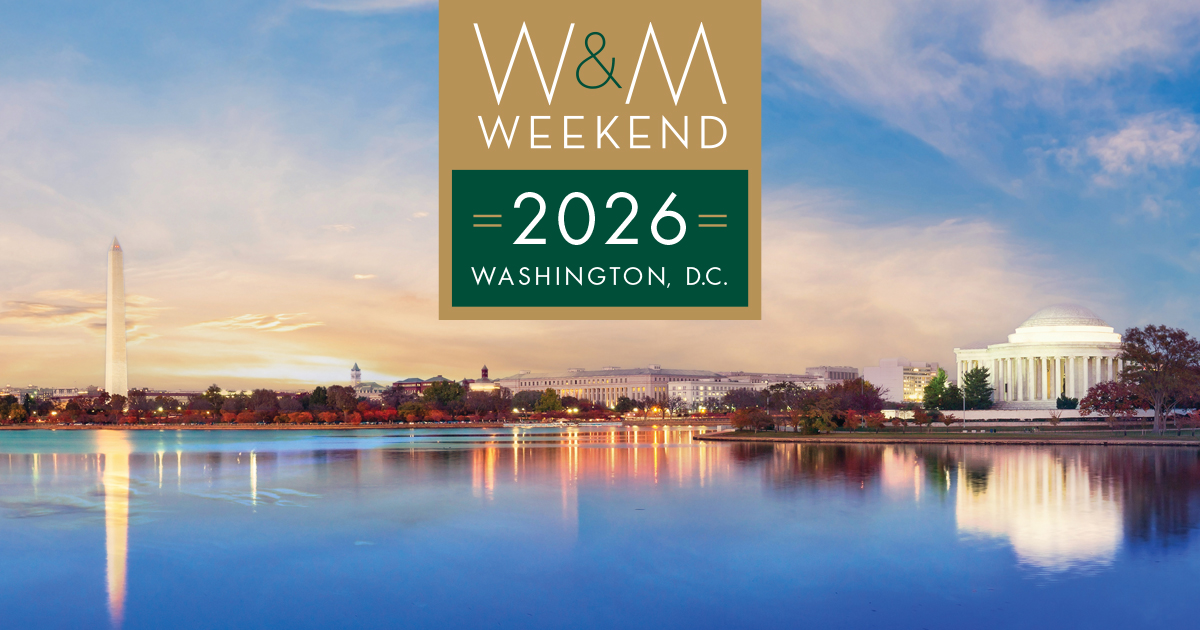
William & Mary Wins in D.C.
William & Mary Weekend brought 1,000+ alumni and friends to Washington, D.C., to connect, discover and celebrate
Jun
5
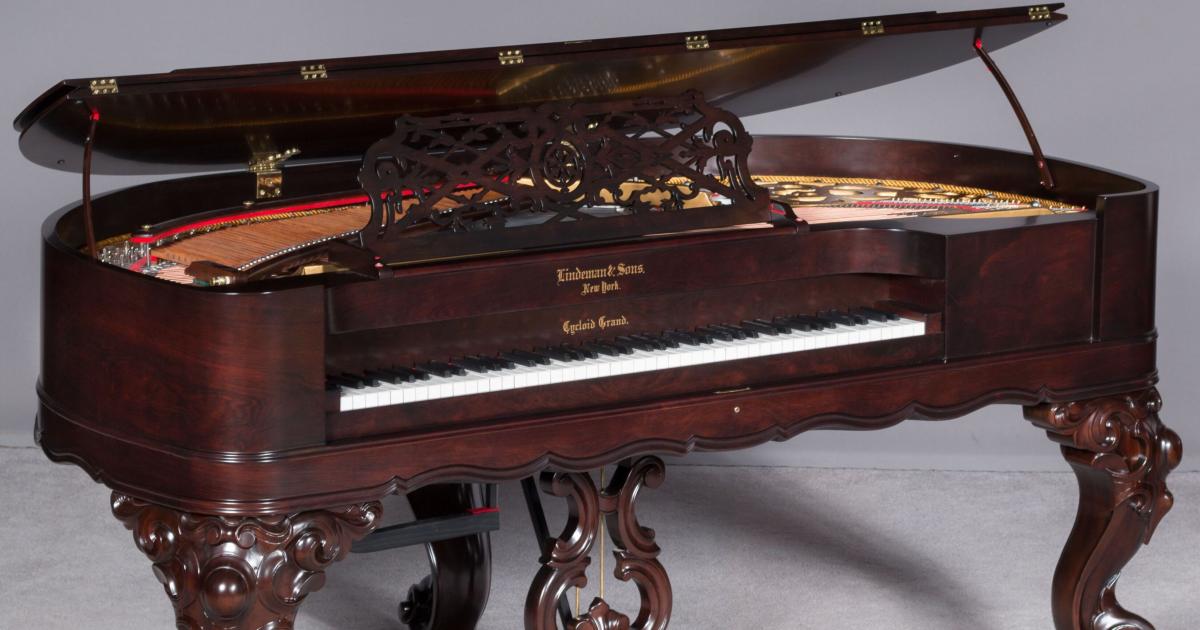
A stunning addition to W&M’s Music Arts Center
A rare 19th-century Lindeman Cycloid piano joins the historic keyboard collection at William & Mary's Music Arts Center.
May
19
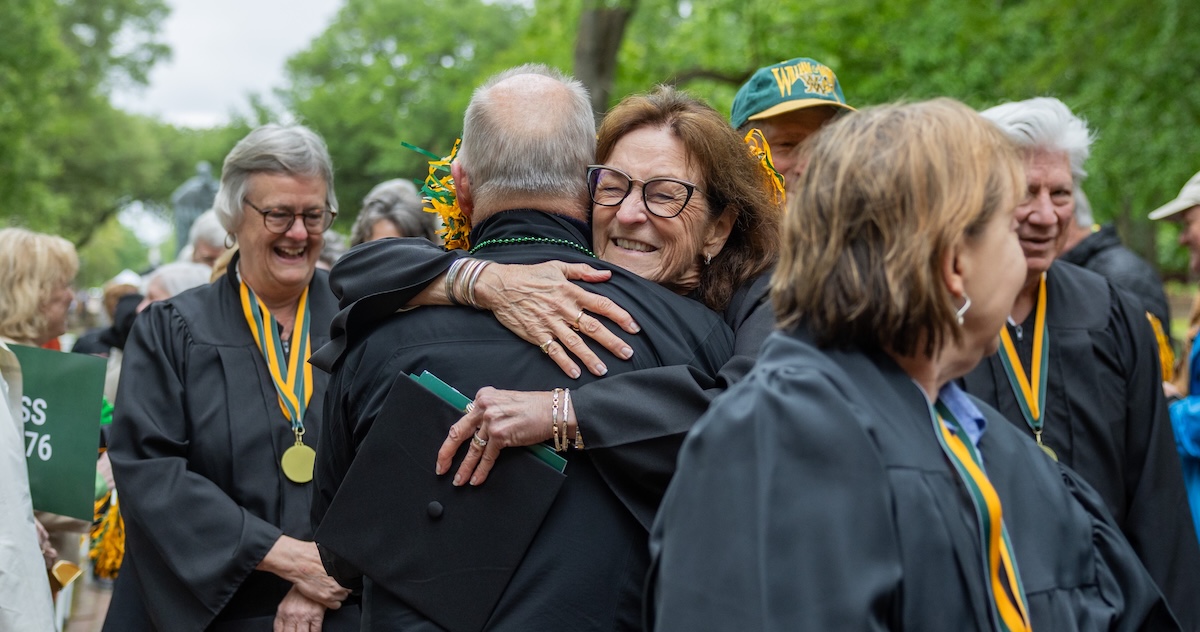
A Tradition of Generosity
At Traditions Weekend, the 50th Reunion Class celebrated the largest class gift ever
May
15
Why Bob Lent ’64, J.D ’66, P ’99 keeps the bell ringing
Learn more about William & Mary’s longest consecutive donor